
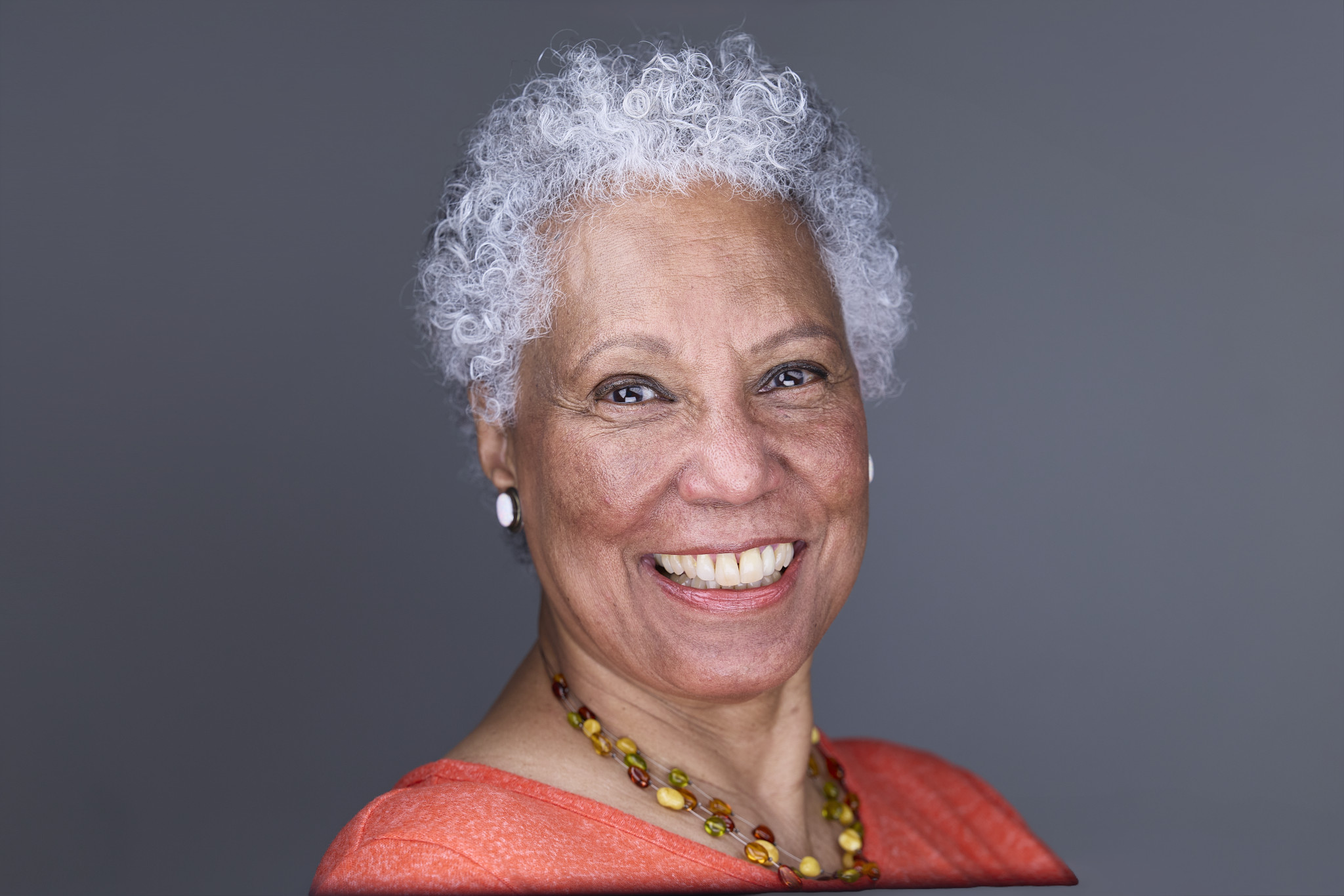
Headshots for LinkedIn: Your Ultimate Guide to Making a Professional First Impression
LinkedIn Headshot Takeaways at a Glance
- Rob Faber Photography is a Suffield, CT based headshot photographer serving professionals and teams across Northern Connecticut and Western Massachusetts, including West Hartford, Simsbury, and Glastonbury.
- Your LinkedIn headshot is often the very first thing a recruiter, client, or colleague sees, and it shows up everywhere you post, comment, or message.
- A strong LinkedIn headshot is clear, well lit, tightly cropped, and built around a confident, approachable expression.
- This guide covers what makes a great LinkedIn headshot, how to prepare, and why training with Peter Hurley shapes the way I photograph professionals for LinkedIn.
Your LinkedIn headshot is doing more work than you think. Every time you comment on a post, send a connection request, or apply for a role, that small circle travels with you. It is your handshake before the handshake. For many people, it is the first impression they will ever get of you, and it often happens in a fraction of a second while they scroll.
As a headshot photographer, I spend a lot of time thinking about that moment. What makes someone stop, click, and trust the face they see? After training directly with Peter Hurley at his Headshot Intensive, I can tell you the answer is not luck, and it is rarely a cropped vacation photo. Below, I will walk you through everything that goes into a LinkedIn headshot that works as hard as you do.
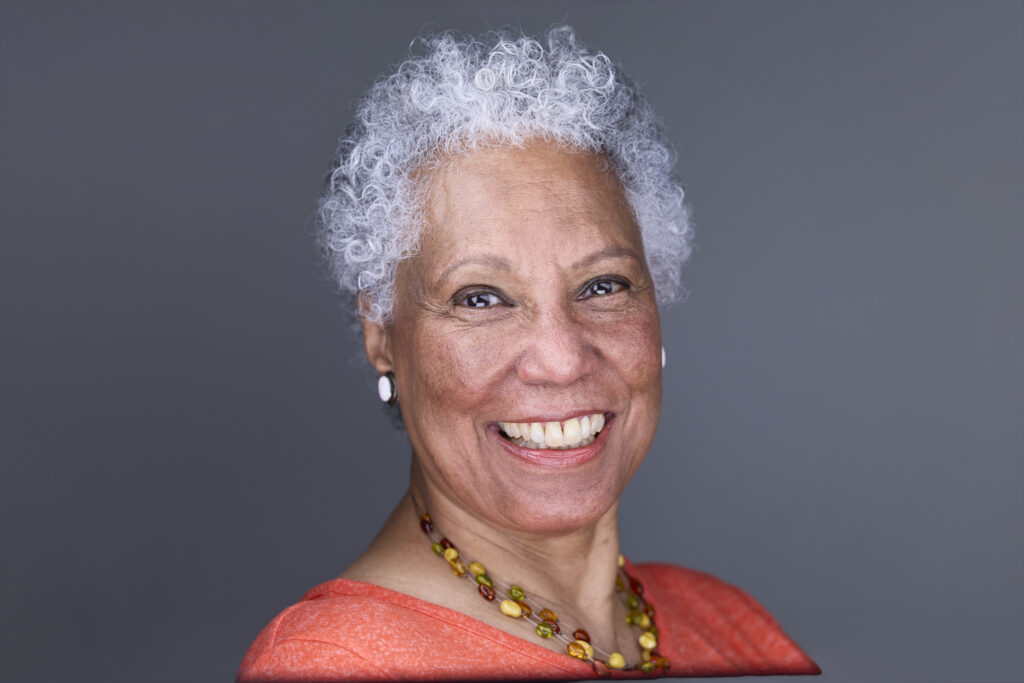
Why Your LinkedIn Headshot Matters So Much
LinkedIn is where professional decisions get made. People look you up before a meeting, after an interview, and before they refer you to someone else. In every one of those moments, your headshot speaks first.
It Shows Up Everywhere
Your profile photo is not only on your profile. It appears next to every post, comment, reaction, and message you send. It shows up in search results and in “people you may know.” As a result, it becomes the visual signature of your entire professional presence. A strong image repeated hundreds of times builds recognition. A weak one repeats a weak impression just as often.
It Builds Trust Before You Speak
People decide quickly whether a face feels trustworthy, competent, and approachable. A clear, confident LinkedIn headshot sends all three signals at once. On the other hand, a blurry selfie or a dated photo can quietly suggest that you are not paying attention to details. For professionals, that is a message worth avoiding.
It Supports Your Personal Brand
I teach business and marketing, so I often remind people that your LinkedIn profile is a marketing asset. Your headline, your summary, and your experience all tell a story. Your headshot should tell the same story visually. If you present yourself as a confident leader, your photo should look like one.
What Makes a Great LinkedIn Headshot
A great LinkedIn headshot looks simple. However, a lot of intention goes into making it look that way.
A Tight, Thumbnail-Friendly Crop
LinkedIn displays your photo as a circle, and it is often viewed very small. That means your face needs to fill the frame. A head-and-shoulders crop works best. Full-length shots, group photos, and wide scenic backgrounds all shrink your face down to almost nothing. LinkedIn recommends uploading a square image of at least 400 by 400 pixels, so a high-resolution professional file will stay sharp wherever it appears.
Clean, Flattering Light
Light is the foundation of every strong headshot. At the Headshot Intensive, we studied light theory from harsh to soft, and we learned how small changes in angle and distance reshape a face. For LinkedIn, soft, even light usually works best. It flatters the skin, brightens the eyes, and keeps the focus on your expression. Harsh shadows, mixed lighting, and dim rooms do the opposite.
A Simple Background
Your background should support you, not compete with you. A neutral studio backdrop or a softly blurred setting keeps the attention on your face. Busy offices, bright patterns, or distracting objects pull the eye away, especially at thumbnail size.
The Right Expression
This is where most LinkedIn photos succeed or fail. A forced smile looks stiff. A blank stare looks cold. The goal is somewhere in between: confident, warm, and approachable.
Peter Hurley is famous for solving exactly this problem. His Squinch, a subtle lift of the lower eyelids, turns an uncertain look into quiet confidence. It is one of the most useful tools I brought home from his workshop, and I use it in almost every LinkedIn session I photograph.
Wardrobe That Fits Your Industry
Dress the way you would for an important meeting in your field. For many professionals, that means a jacket, a collared shirt, or a polished top. Solid colors work best because they keep the attention on your face. Busy patterns, logos, and very bright colors tend to distract, especially in a small image.
DIY vs. Professional LinkedIn Headshots
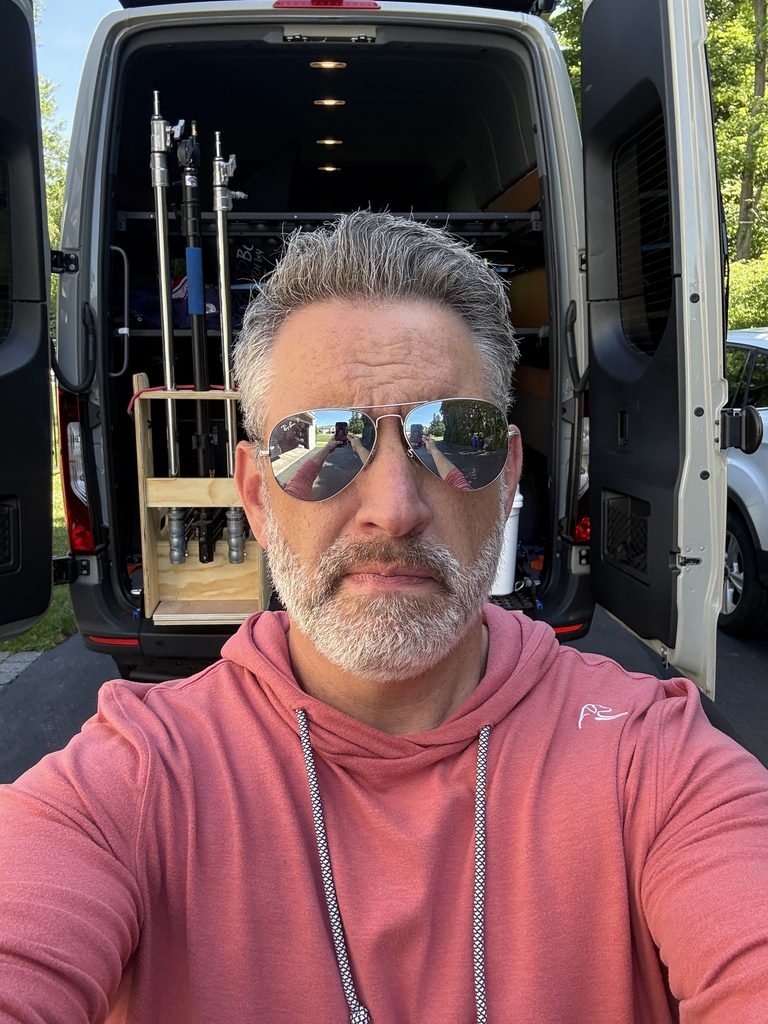
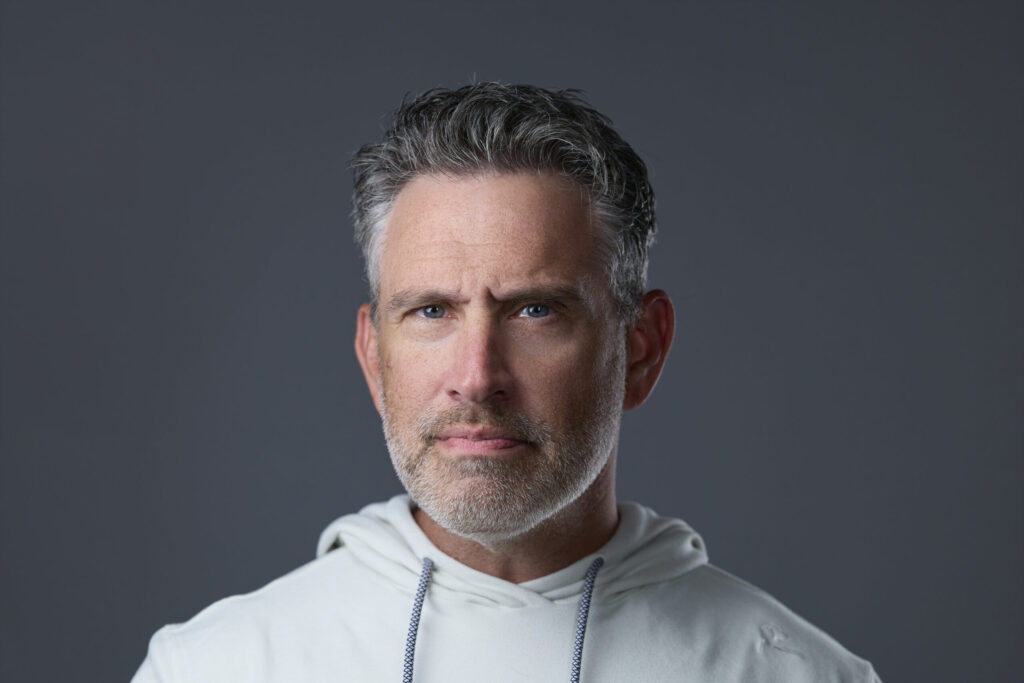
Phone cameras have come a long way, and a friend with a good eye can take a decent photo. So why hire a professional for your LinkedIn headshot?
Direction Makes the Difference
The biggest difference is not the camera. It is the direction. Most people freeze in front of a lens, and that reaction is completely normal. A trained headshot photographer knows how to coach your posture, your chin, your angle, and your expression until the real you comes through.
At the Headshot Intensive, Peter’s small group format meant every setup was watched and corrected in real time. We shot tethered, so every frame appeared instantly on a large screen, and Peter gave direct feedback on each one. We photographed live models, and I even had the chance to photograph Peter himself. That training changed how I guide clients. Today, you see your images as we work, and we refine together until the expression is right.
A Real Result: Brian’s New Headshot
Here is what that can look like in practice. My client Brian updated his LinkedIn profile with his new headshot from our session. One month later, he landed a new job. A photo alone does not earn anyone a position; Brian’s experience and skill did that. However, a strong LinkedIn headshot makes sure the first impression matches the professional behind it. When recruiters and hiring managers clicked on Brian’s profile, they saw someone confident, current, and ready for the next step.
Consistency for Teams
For companies, professional LinkedIn headshots also create consistency. When every team member has matching light, framing, and background, the whole company looks unified and credible. That consistency is nearly impossible to achieve with a mix of phone photos taken in different rooms.
What About AI Headshots?
AI headshot apps are everywhere right now. They can be quick and inexpensive. However, they often produce images that look slightly off: skin that is too smooth, features that shift, or a face that does not quite match the person who shows up to the meeting. On LinkedIn, authenticity matters. When someone meets you in person or on a video call, you want them to recognize you instantly.
How to Prepare for Your LinkedIn Headshot Session
A little preparation goes a long way. Here is what I recommend to my clients:
- Plan your wardrobe. Bring two or three outfit options in solid colors that fit your industry.
- Schedule grooming ahead of time. Get a haircut about a week or two before your session so it looks natural, not freshly cut.
- Rest well. A good night of sleep shows in your eyes and your energy.
- Think about your goals. Consider who you want to reach on LinkedIn, such as recruiters, clients, or partners, and the impression you want to leave.
- Come ready to relax. You do not need any experience in front of the camera. I will direct you through every step.
Editing and Retouching Done Right
Great retouching is invisible. It cleans up small distractions, evens skin tone, and polishes the final image. It does not change who you are. Your LinkedIn headshot should look like you on your best day, not like a different person. If a recruiter meets you and does a double take, the retouching went too far.
When to Update Your LinkedIn Headshot
A LinkedIn headshot is not a one-time task. As a general rule, update it every couple of years, or sooner if something changes. That might include a new hairstyle, glasses, a significant change in appearance, a new role, or a shift in your personal brand. A current photo shows that you are active, engaged, and paying attention to how you show up professionally.
Frequently Asked Questions
What size should my LinkedIn headshot be?
LinkedIn recommends a square profile photo of at least 400 by 400 pixels. Because LinkedIn displays it as a circle, keep your face centered with a little space around your head and shoulders.
Should I smile in my LinkedIn headshot?
A natural, relaxed smile usually works best because it reads as approachable. However, the eyes matter just as much as the mouth. A confident look in the eyes, with or without a full smile, is what makes a LinkedIn headshot feel engaging.
Can I use my LinkedIn headshot on my website and other profiles?
Yes. A professional headshot works across your website, email signature, speaker bios, and other social profiles. In fact, using the same image everywhere helps people recognize you instantly.
Do you photograph LinkedIn headshots for teams in CT and MA?
Yes. I photograph individual professionals and business teams throughout Northern Connecticut and Western Massachusetts, including Suffield, West Hartford, Simsbury, and Glastonbury. Whether you need one updated LinkedIn headshot or a full team set, we can plan a session that fits your schedule.
How do I book a LinkedIn headshot session?
Fill out my contact form, and I will send over more information. From there, we will talk through your goals, your timeline, and the look you want.
Make Your First Impression Count
Your LinkedIn headshot is working for you every single day, whether you think about it or not. When the light is clean, the crop is tight, and the expression feels confident and real, that small circle becomes a powerful introduction. It opens conversations before you ever say a word.
If your current profile photo no longer reflects who you are, let’s change that. Explore my professional headshot sessions, then reach out through my contact form to start the conversation. You can also read my guides on how to choose the best photographer for your corporate headshots and corporate vs. creative headshot styles.
And for more behind-the-scenes insight into portraits, branding, and business, subscribe to the Shoot for Succession podcast, available on all major podcast platforms.


Serving Suffield, CT, and surrounding areas, Rob Faber Photography specializes in one-of-a-kind portraits for professionals, athletes, and high school seniors. This blog highlights sessions from across Connecticut and Massachusetts, including West Hartford, Glastonbury, and the Cape Cod shoreline. Every entry showcases the artistry and attention to detail behind Rob’s Signature Black Label Experience—transforming everyday moments into extraordinary artwork for your home.
Connecticut Portrait Photography Stories & Inspiration"
"I am a huge Rob Faber fan!"
He did an amazing job with my new headshots and pictures for my website. He took my ideas and vision to the next level. He was patient, had great ideas and suggestions and was really able to capture "me"! Rob is truly an artist behind the camera and I cannot recommend him enough. If you are in need of a photographer, Rob is definitely your guy! He will help elevate the look of your business to the next level.
Chris Latournes
"Rob is great to work with!"
He can do it all! Whether he is capturing a special family moment, sporting event or a senior portrait he does it seamlessly and makes the experience fun!
We’ve worked with Rob many times and he always delivers excellent portraits. Each photo always tells a story and beautifully captures the moment.
Danielle Delpha
"Rob is an amazing photographer"
Rob is an amazing photographer, both technically and creatively. He knows how to make you comfortable during the shoot, and to bring out your own unique personality. Not only did he have so many of his own incredible ideas for the shoot, but he was also more than willing to collaborate for my vision as well. A top-notch experience from start to finish. Highly recommended.
Lee Totten
more about Rob
I’ve always believed that good work speaks for itself. Photography, for me, has never been about chasing trends or high-volume sessions — it’s about creating portraits with clarity, purpose, and staying power.
The kind of images you print, frame, and live with. This page is a closer look at how I work, what I care about, and what you can expect when we work together.
Rob FAber
Meet the Artist

Have a story to tell? I’d love to hear it. Let’s begin with a simple note.
Headshots and
Corporate Portraits


